Unified Networking at Scale: Deep Dive into TLS/TCP Proxy Capabilities on Azure Application Gateway
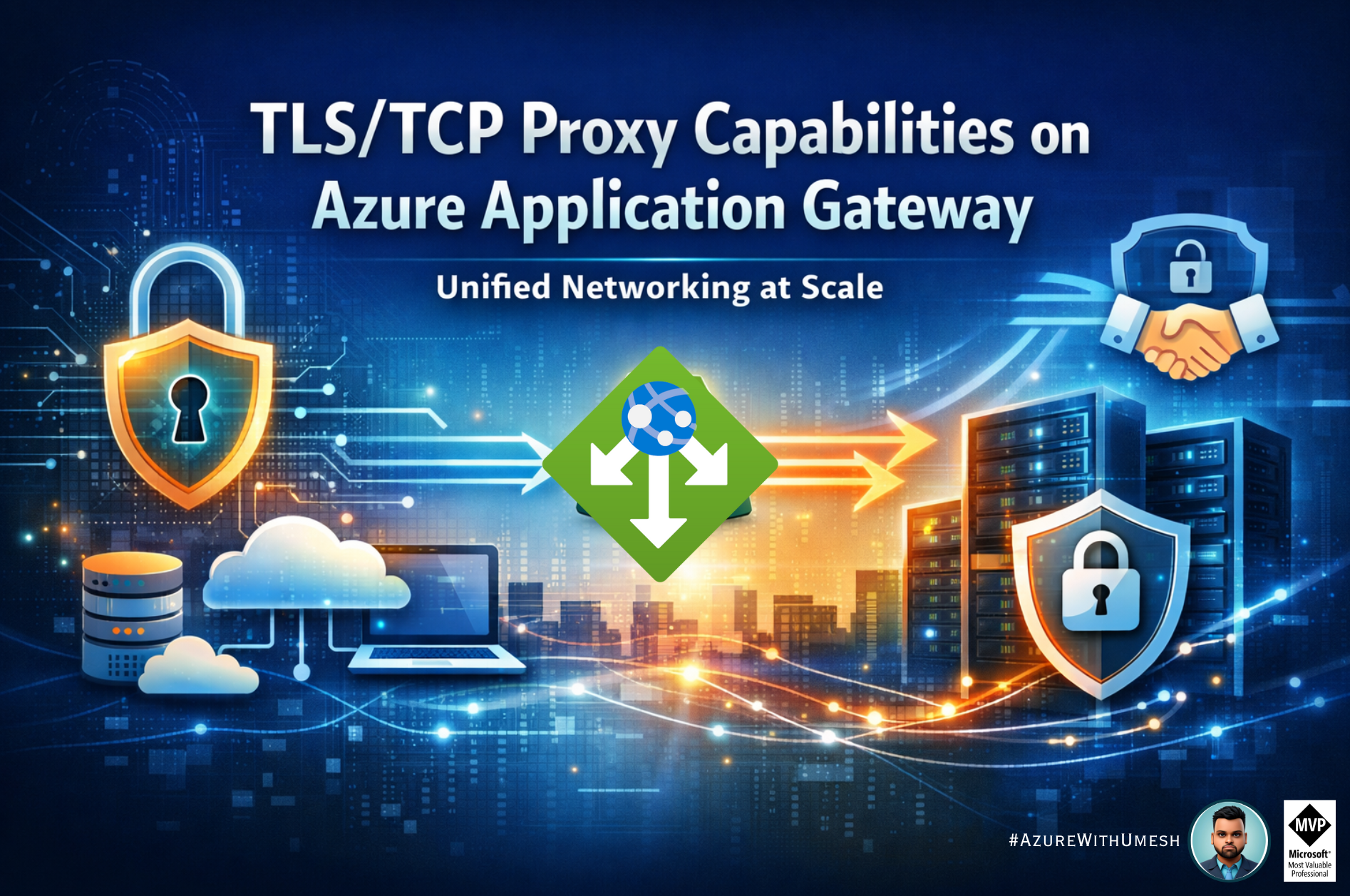
Azure Application Gateway has long been a cornerstone for routing Layer 7 (HTTP/HTTPS) web traffic in Azure, providing scalable load balancing, SSL/TLS termination, Web Application Firewall (WAF) protection, and deep application-aware routing. However, with the advent of TLS and TCP proxy capabilities, the platform has expanded its role to include Layer 4 traffic handling, enabling architects to consolidate both web and non-HTTP workloads behind a single, intelligent entry point.
In this post, we’ll explore what TLS/TCP proxying brings to Azure Application Gateway, how it works, when you would use it, how to configure it, and key considerations for real-world deployment.
What Is TLS/TCP Proxy on Application Gateway?
Traditionally, Azure Application Gateway focused on Layer 7 traffic, including HTTP, HTTPS, WebSockets, and HTTP/2, where it could inspect application messages, enforce routing rules, and apply WAF policies. However, some workloads (e.g., databases, custom services, messaging protocols, or legacy systems) use pure TCP or encrypted TLS traffic that doesn’t speak HTTP at the application layer.
With TLS/TCP proxy support (currently in public preview on Application Gateway v2/WAF v2), the gateway can now act as a Layer 4 terminating proxy. In this model:
-
Client connection establishment: A client initiates a TCP or TLS connection to the Application Gateway listener IP and port.
-
Gateway connection to backend: Application Gateway establishes a new TCP connection to a configured backend pool member.
-
Request forwarding: The client communication is proxied through the gateway, which routes traffic at the transport layer rather than the application layer.
This enables a single gateway instance to handle both HTTP(S) and arbitrary TCP/TLS traffic using different listeners and backend settings.
TLS vs TCP Proxy – What’s the Difference?
| Capability | TCP Proxy | TLS Proxy |
|---|---|---|
| OSI Layer | Layer 4 | Layer 4 with TLS support |
| Traffic | Raw TCP flows | Encrypted traffic terminated at gateway |
| Protocol awareness | None | No application inspection; only transports encrypted data |
| WAF inspection | ❌ Not supported | ❌ Not supported |
| Use cases | Database ports, non-HTTP protocols | Secure proxy for TLS-wrapped protocols |
Important: WAF protections are still only applied to HTTP/HTTPS traffic. TLS/TCP proxy connections won’t be inspected for application threats.
Key Benefits of TLS/TCP Proxy Support
1. Consolidated Entry Point
Instead of using separate services (e.g., Azure Load Balancer for non-HTTP and Application Gateway for HTTP), you can front all traffic types through a single gateway using different listeners and port mappings.
2. Consistent Certificate Management
When using TLS proxying, you can centrally manage TLS termination certificates directly on the gateway. Integration with Azure Key Vault enables secure storage and lifecycle management of certificates.
3. Autoscaling and High Availability
Layer 4 proxy support integrates with the same autoscaling model as Layer 7 (up to 125 instances), helping to scale TCP/TLS traffic based on demand.
4. Enhanced Backend Flexibility
Backends can be within the same VNet, across peered networks, via remote FQDN/IP, or even behind hybrid connections — providing flexibility for modern and legacy architectures.
When to Use TLS/TCP Proxy Features
Here are common scenarios where this capability delivers real value:
-
Database connectivity (e.g., SQL clients connecting through Application Gateway to backend SQL servers)
-
Secure non-HTTP application protocols (e.g., MQTT over TLS, legacy encrypted services)
-
Hybrid environments requiring a unified access point for both web and application traffic
-
Consolidated network models seeking to reduce architectural complexity and operational overhead by using one service for all ingress traffic types
Step-by-Step: Configuring TLS/TCP Proxy
Below is a high-level view of how you configure TLS/TCP proxying through Azure Portal:
-
Create an Application Gateway (v2/WAF v2 SKU)
Choose Standard v2 or WAF v2 — both support Layer 4 proxy listeners.
-
Configure Basic Settings
Assign a frontend IP (public or private), subnet, and enable autoscaling as needed.
-
Create a Backend Pool
Add your non-HTTP service endpoints (e.g., VM IP addresses or FQDN).
-
Add a Listener
Select TCP or TLS as the listener protocol and define the incoming port (e.g., 1433 for SQL).
-
Define Backend Settings
Use Layer 4 backend settings — specify the protocol (TCP) and port to direct traffic to the backend.
-
Create a Routing Rule
Associate the listener with backend settings to complete the rule.
-
Connect and Test
From a client (e.g., SQL client), connect to the Application Gateway’s frontend IP and verify connectivity through the gateway to the backend.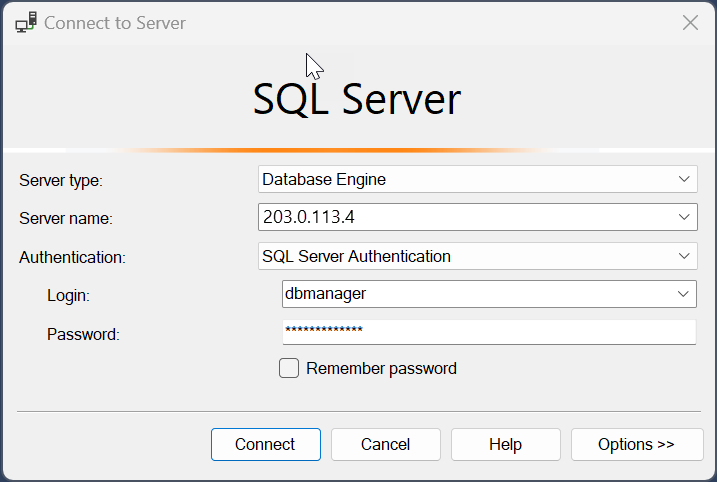
Health Probes and Monitoring
Application Gateway supports backend health probing to monitor the availability of backend pool members. For Layer 4 proxies, probes can use TCP or TLS checks to determine service readiness.
Use the Azure portal or diagnostic logs to monitor probe success, backend response times, and connection health.
Limitations & Considerations
While TLS/TCP proxying is powerful, keep in mind:
-
No WAF inspection on TCP/TLS traffic – meaning Application Gateway’s security rules won’t protect non-HTTP protocols.
-
Draining timeout for backend connections is fixed at 30 seconds in preview.
-
Configuration updates may disconnect active sessions until they time out.
-
AGIC (Application Gateway Ingress Controller) support remains limited for L4 features.
Conclusion
The introduction of TLS/TCP proxy capabilities in Azure Application Gateway significantly enhances the platform’s versatility, bringing Layer 4 services and encrypted non-HTTP workloads into the same managed, scalable, and secure gateway experience that Azure customers expect.
Whether you’re modernizing legacy architectures, consolidating network services, or simplifying deployment, TLS/TCP proxy support equips you with a unified ingress strategy within Azure.